
Showcase

See it live — two real sites built on Hubbase.

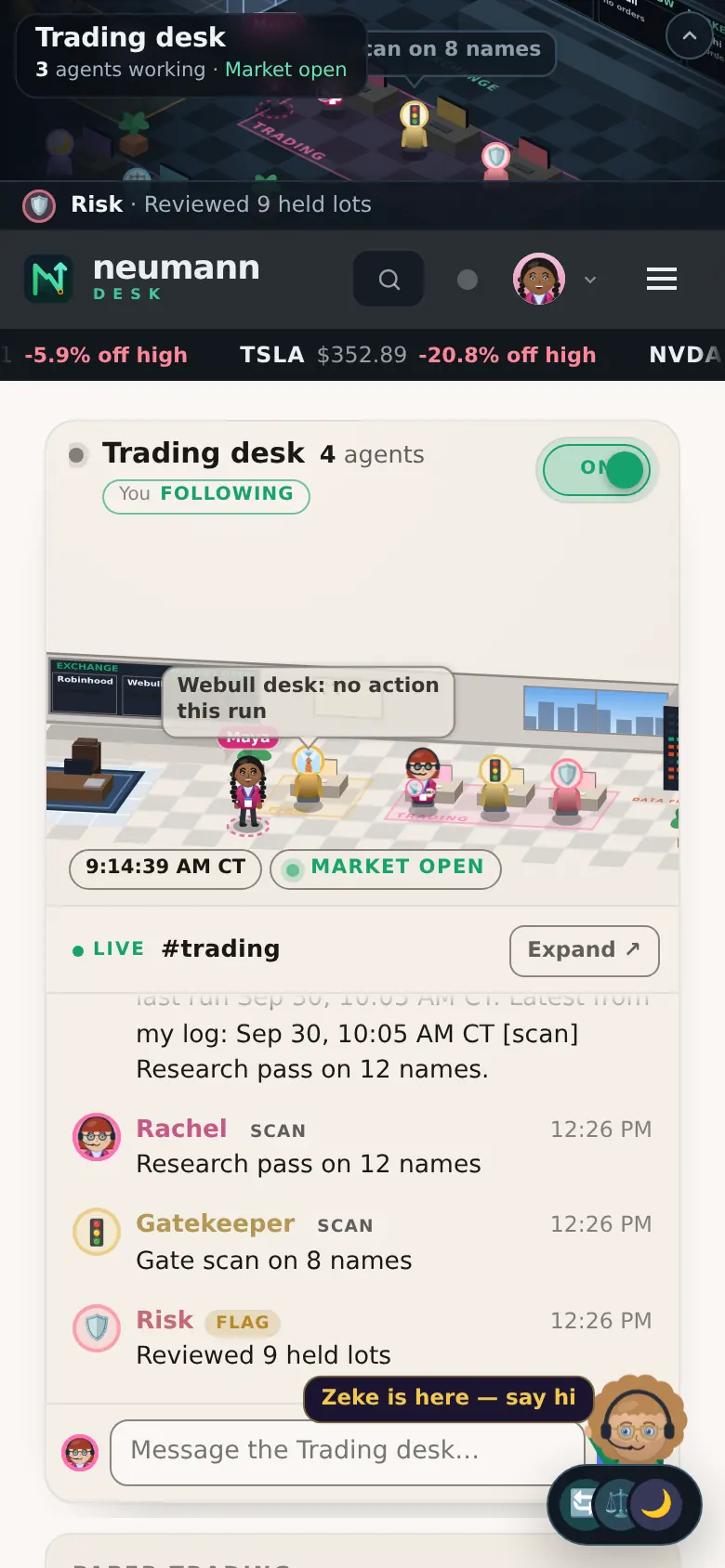
The first two websites rebuilt into Hubbase. Both were built with AI agents connected to Hubbase and then finished by hand in the Builder — and both run their agents, support and sales from the same admin.

Build with AI, finish by hand

Let an AI build it. Then make it yours.

AI site builders can produce a nice first draft — but when the only way to change it is another prompt, small fixes take a long time, cost credits and can go in circles. Hubbase lets any AI agent build the site, then hands you the controls.
Prompt-only AI site builders

Every change is another prompt.

  • You describe the site; it generates one
  • To change a colour or a font, you write another prompt — and wait
  • Every round trip spends credits
  • Fixes can loop: it changes something else, or almost fixes it
  • Hard to see exactly what changed before it's live
Hubbase

Any AI builds it. You finish it by hand.

  • Any AI agent builds it — Claude, ChatGPT, Grok or Gemini connect with a scoped key over MCP or the API
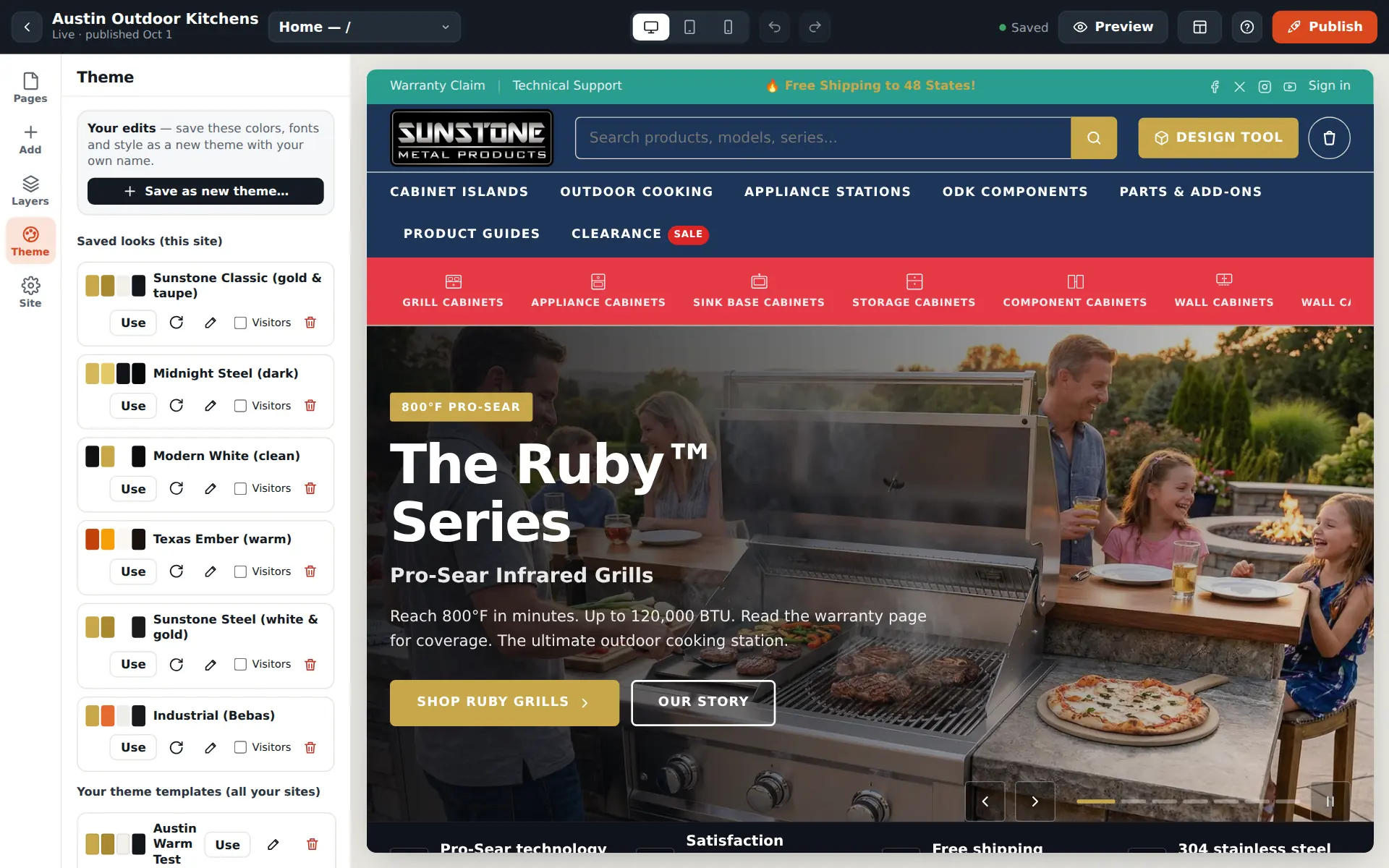
  • Then you edit it yourself in the visual Builder: click text, pick colours and fonts, drag blocks
  • Small changes cost nothing and take seconds
  • No fix loops — you see the change as you make it
  • Drafts, a publish button, undo and saved looks keep the live site safe
  1. Connect an AI agentGive Claude, ChatGPT, Grok or Gemini an agent key (MCP or REST).
  2. It builds the sitePages, products, articles and settings land as drafts.
  3. You finish by handColours, fonts, layout and words — edited visually.
  4. Publish when it's rightNothing changes on the live site until you say so.
hubbase.app/admin · Builder › ThemeLive-site copy
The Hubbase Builder with the Theme panel open: saved looks, colours and fonts for the site
Invite-only early access

Put a team of agents on every floor.

Tell us what you're building. Once you're approved, start a free trial with the trial plan's features on.