Sunstone Metal Products
Live today at austinoutdoorkitchens.com
Sunstone Metal Products sells outdoor kitchen cabinets, grills and components. The whole site was rebuilt into Hubbase: the catalog with options, a technical support desk that reads the manuals, a virtual assistant in every corner, warranty tickets, dealers, rep pages and text updates at checkout.
What makes Sunstone Metal Products work so well.
Every screen below is the real site running in Hubbase.
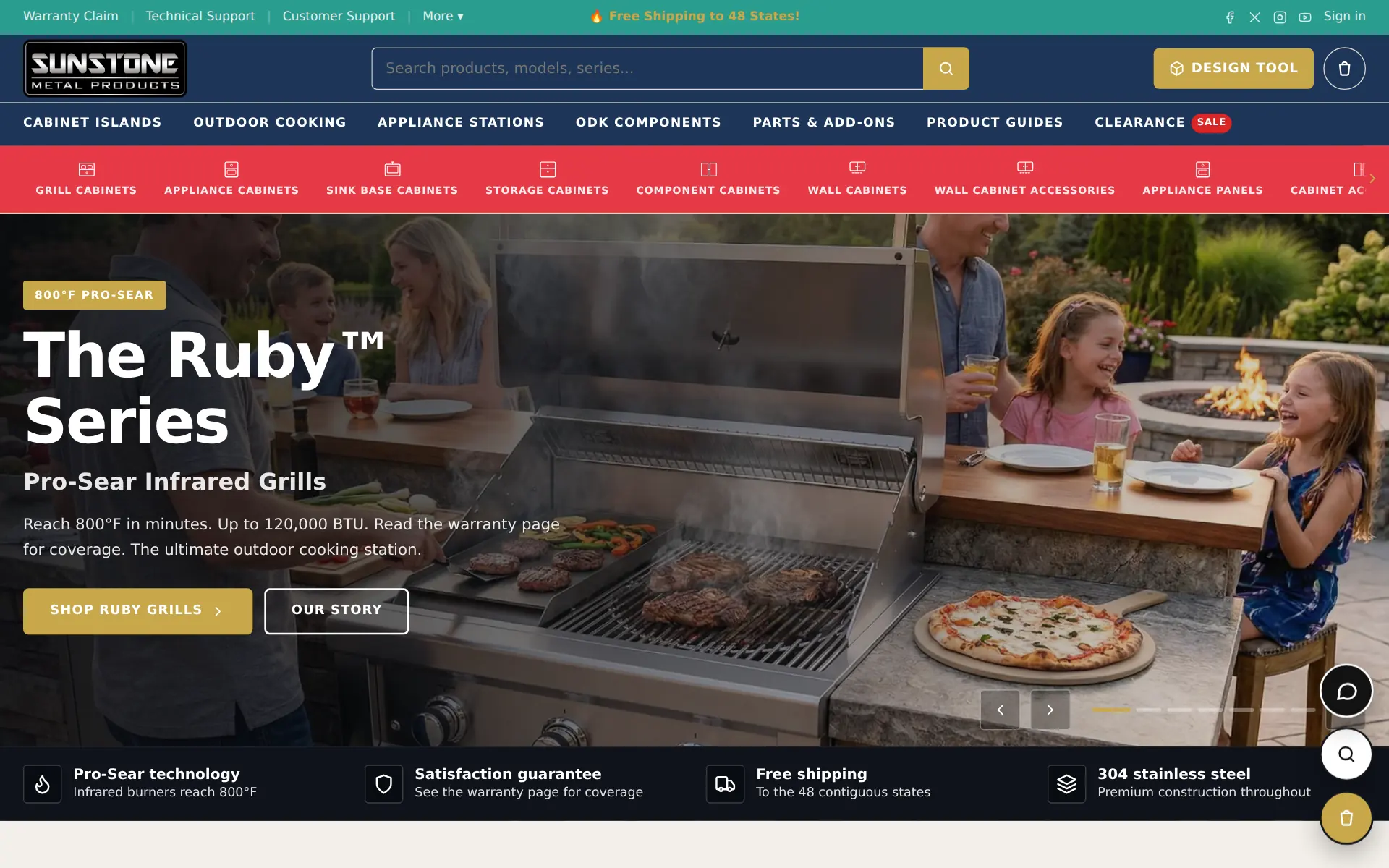
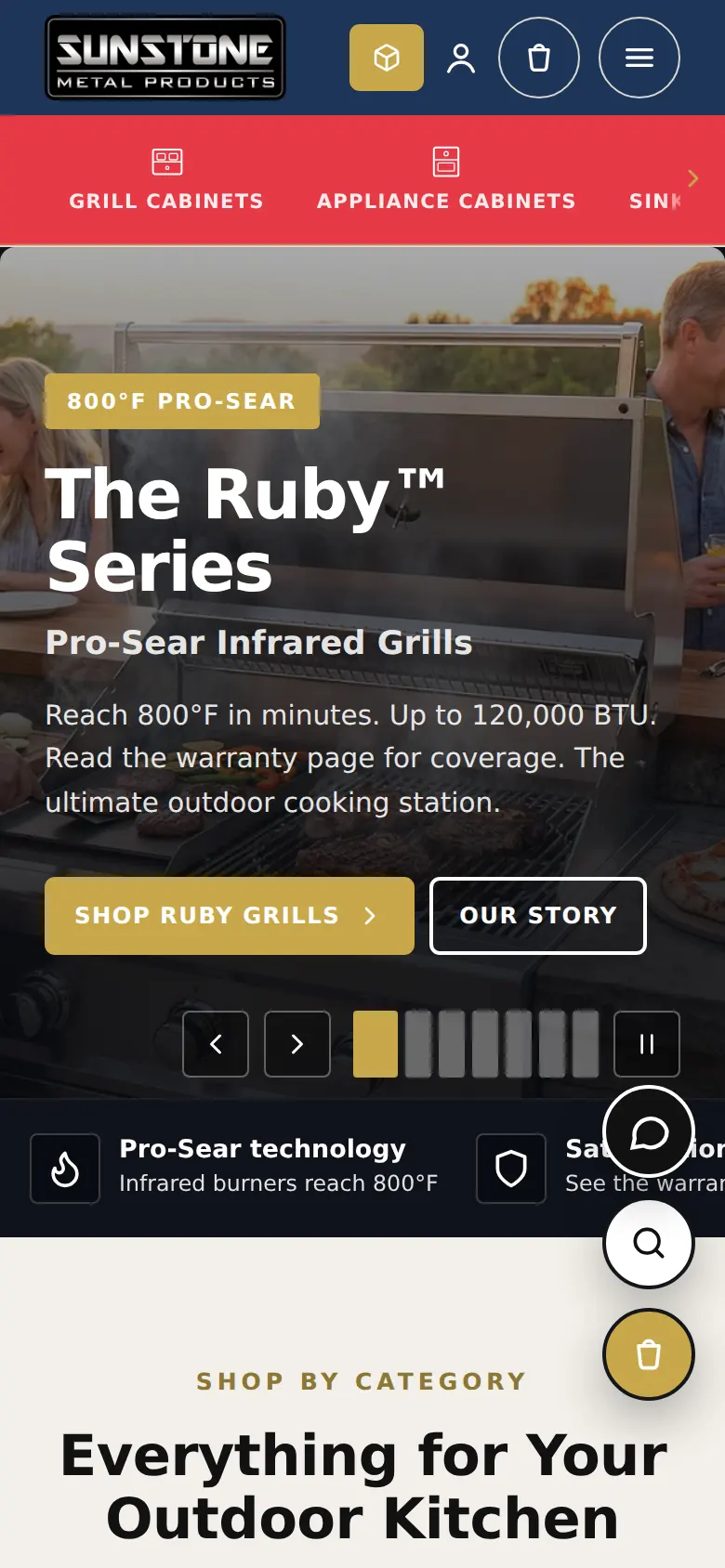
A storefront that looks like the brand
Mega menus, a category icon bar, a full-width hero slider and the brand's own colours and type — built from Hubbase blocks, not a theme someone else owns.
- Header, menus and icon bar edited in the Builder
- Search, cart and design tool always one tap away
- Fast pages served on Cloudflare
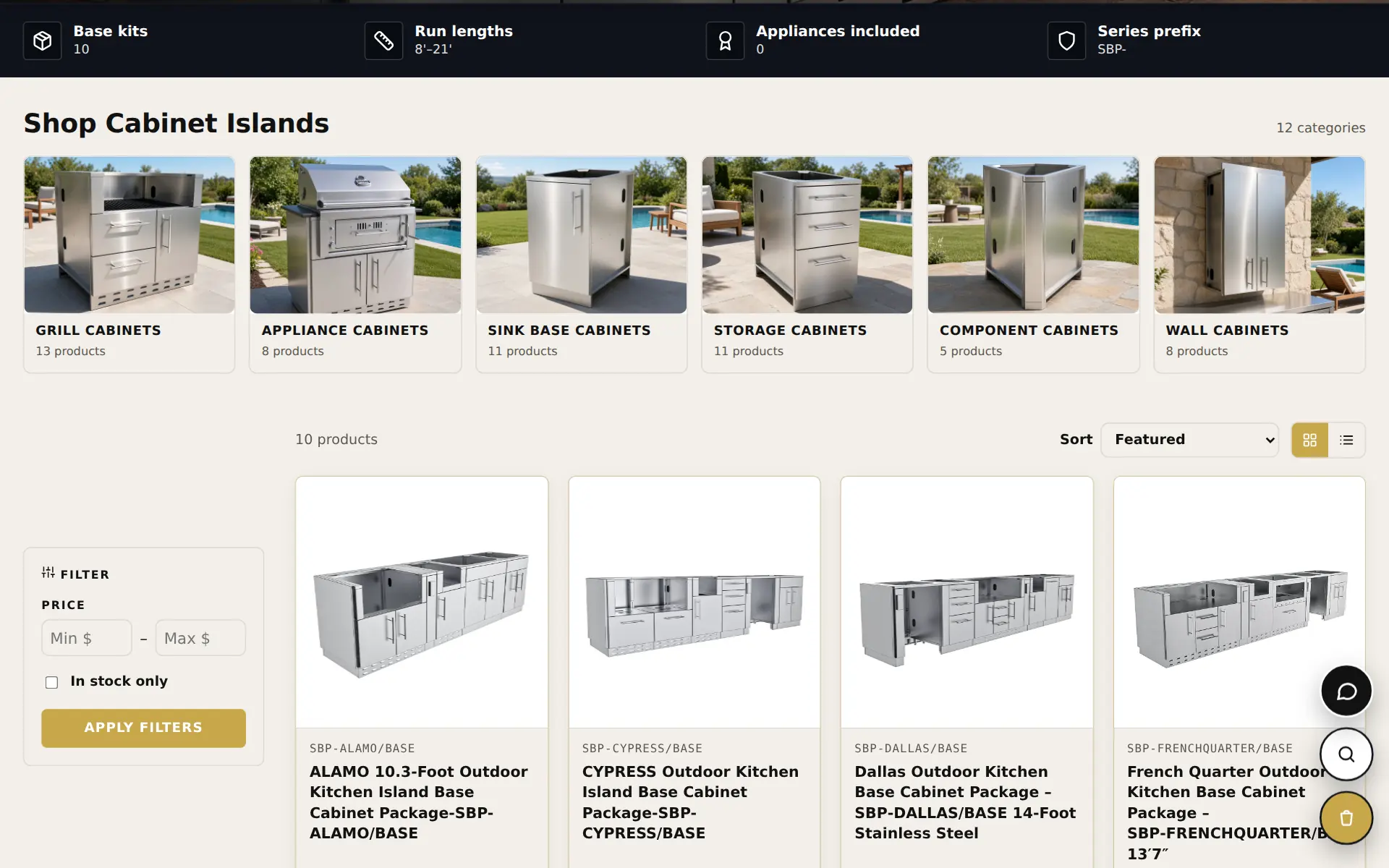
Hundreds of products, organised the way buyers shop
Collections with their own hero, quick facts and category strip, then a filterable grid with sorting and list or grid views.
- Imported with options, specs, documents and video
- Price and in-stock filters
- Packages, components and parts in one catalog
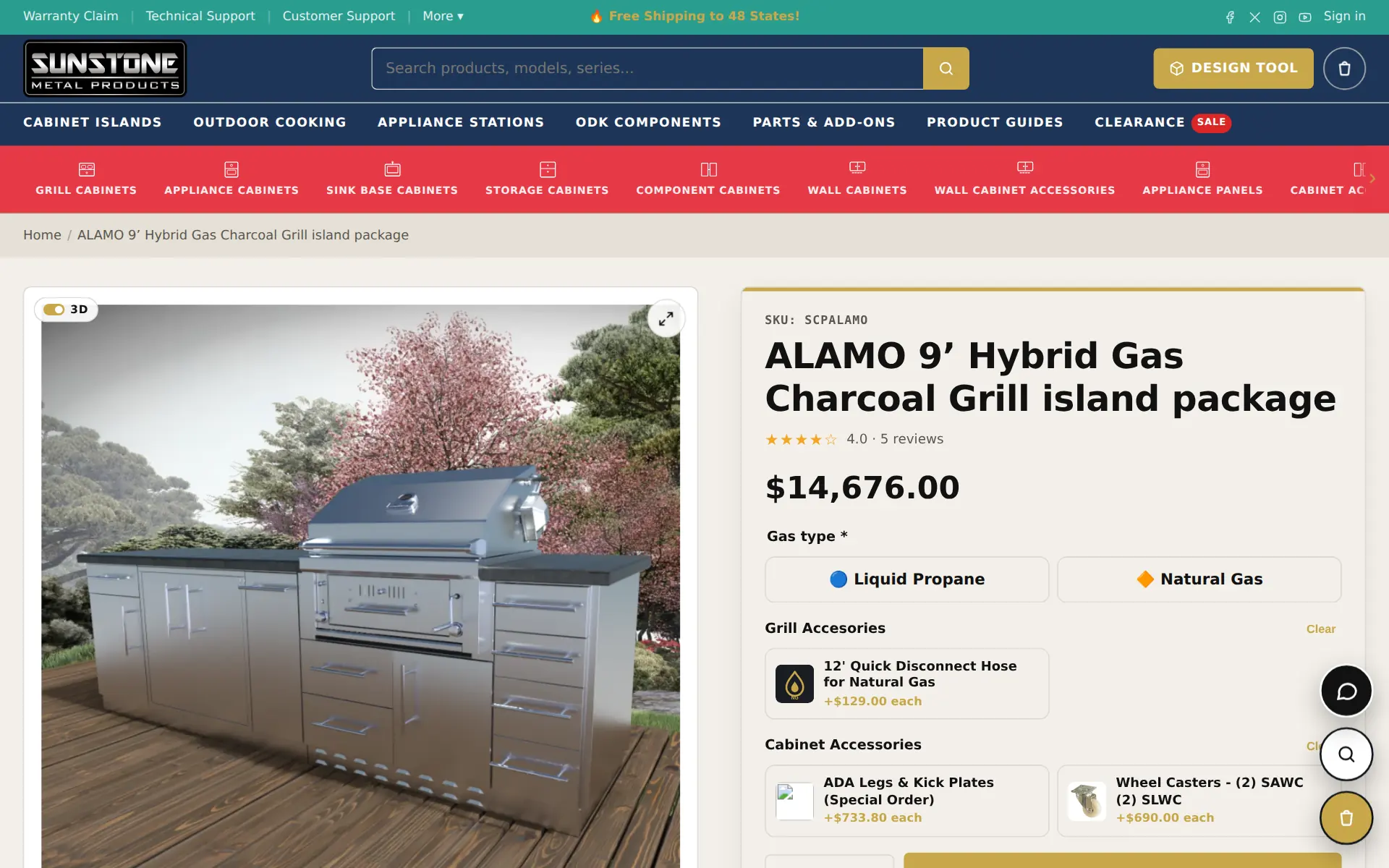
Options, add-ons and a 3D view on the page
Gas type, accessories and cabinet add-ons with their prices, reviews and Q&A, plus a 3D toggle on the gallery — everything a buyer needs before they call.
- Required choices are enforced before checkout
- Add-on prices shown right on each option
- Manuals and spec sheets attached to each product
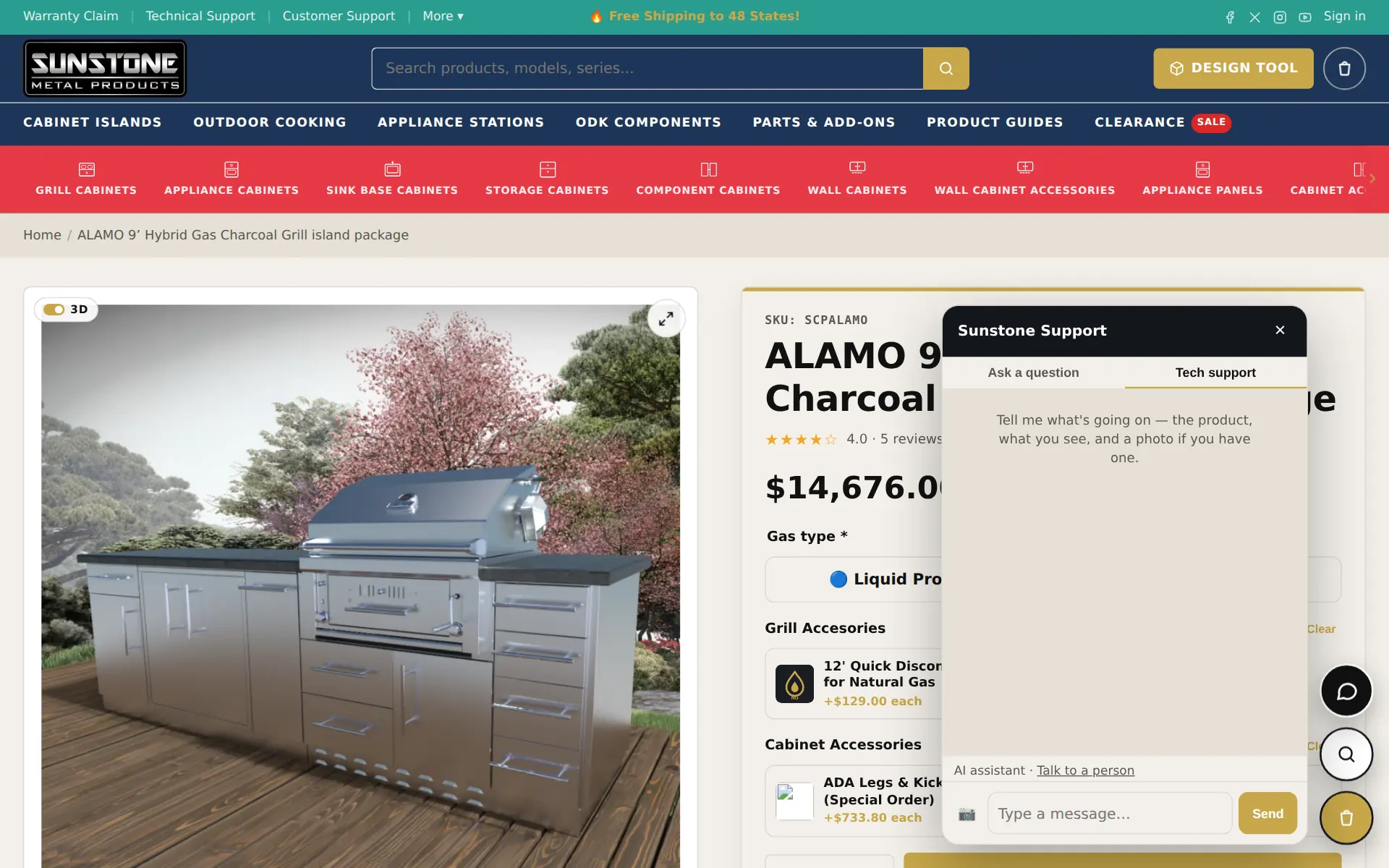
A virtual assistant in the corner of every page
Shoppers ask a question or switch to Tech support — pick their product, attach a photo and describe what they see. A real person can take over any time.
- “Talk to a person” is always one tap away
- Conversations land in the Hubbase inbox
- The assistant answers from the site's own products, manuals and published Q&A
A support desk that has read the manuals
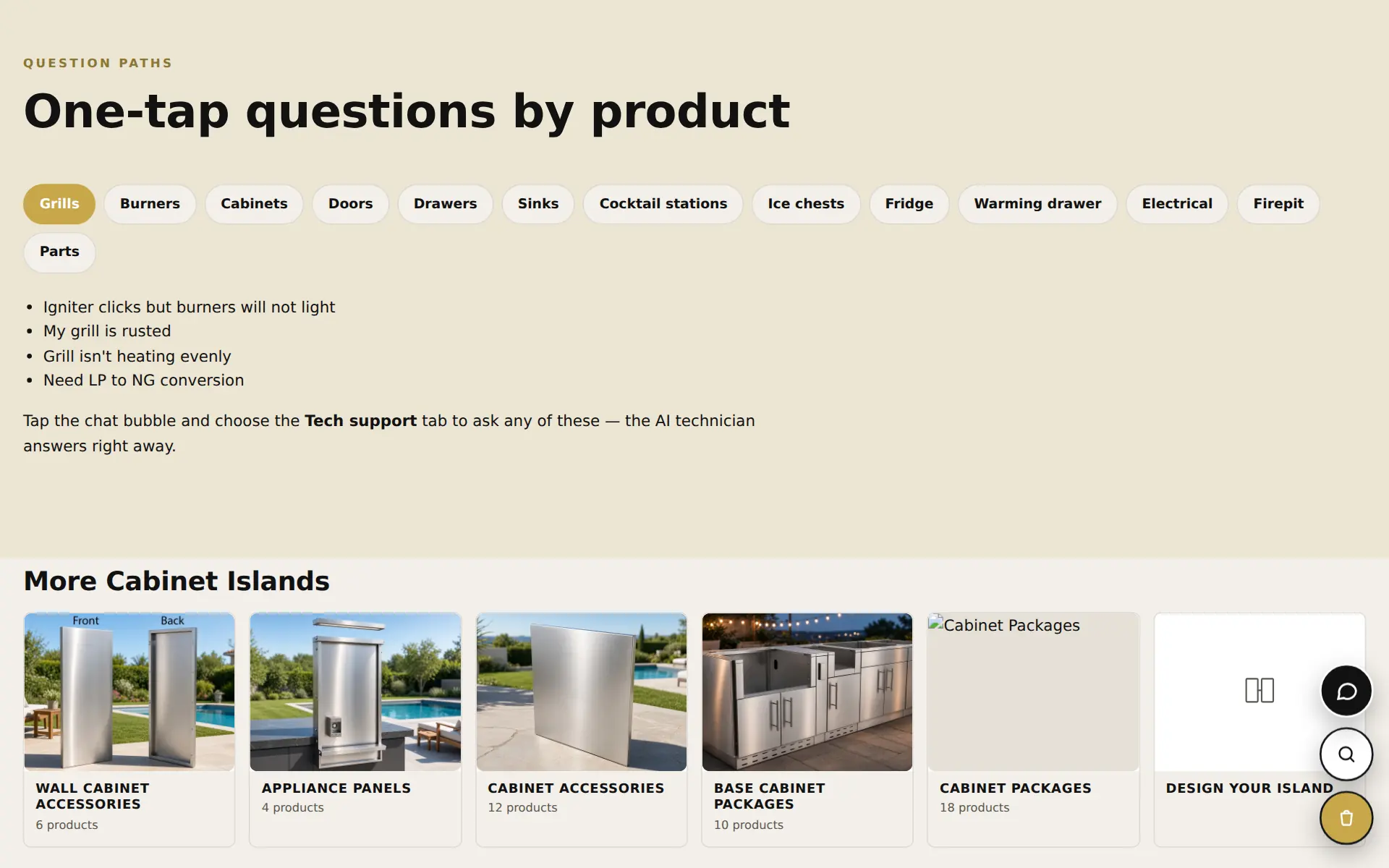
The technical support page offers one-tap question paths by product type, links to the manuals, and a form to connect with a technician. Behind it, the desk's knowledge is the site's own installation guides, spec sheets and answered questions.
- One-tap questions: grills, burners, cabinets, sinks, electrical…
- Answers cite the manual they came from
- Unanswered questions become tickets for the team
Claims arrive as tickets with photos attached
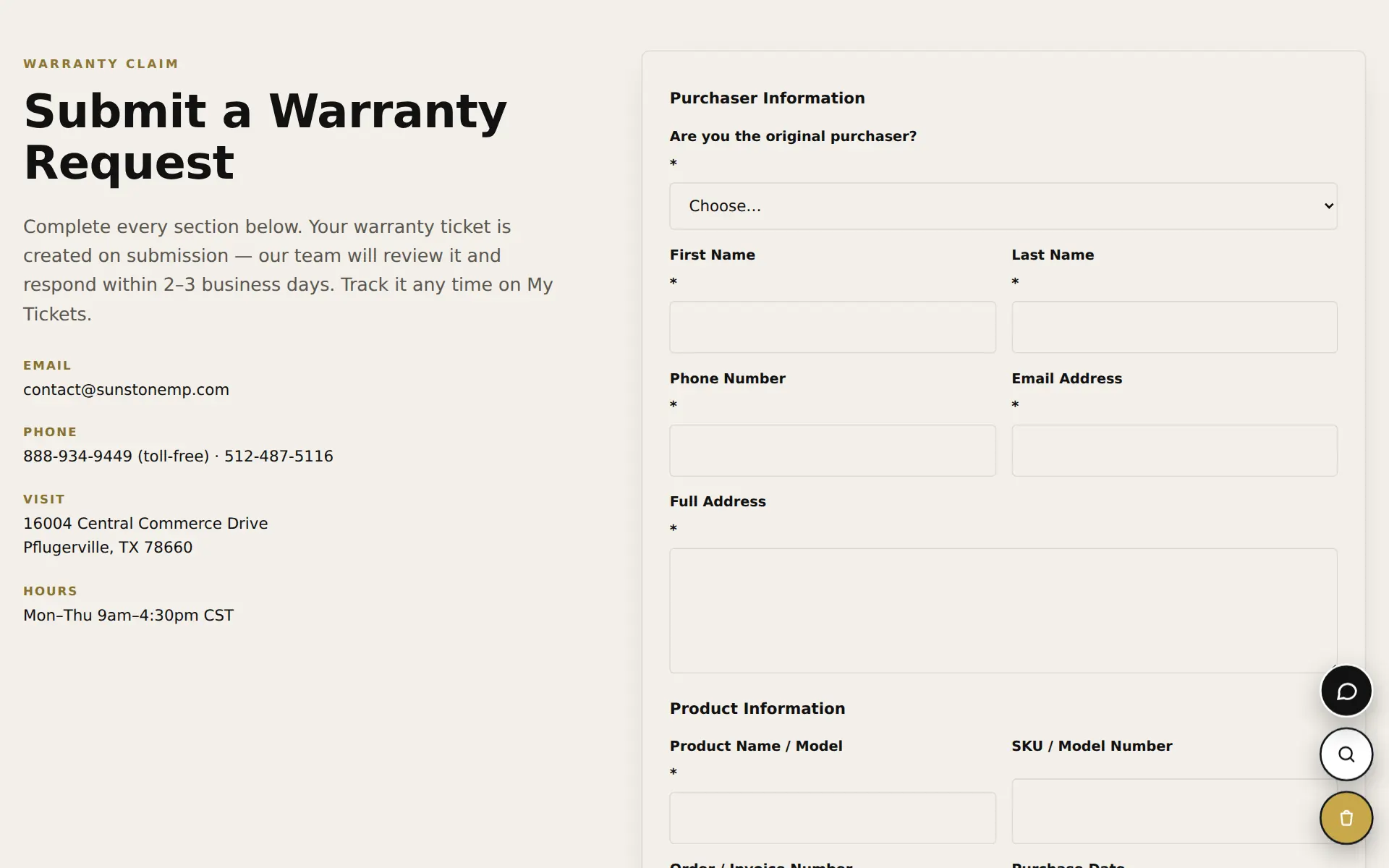
A guided claim form collects purchase details, the product and photos of the issue, and opens a ticket the customer can track with their ticket number.
- Photos and invoice uploads
- “Check a claim” lookup by ticket number
- Claims land in the Hubbase inbox, labelled with the site
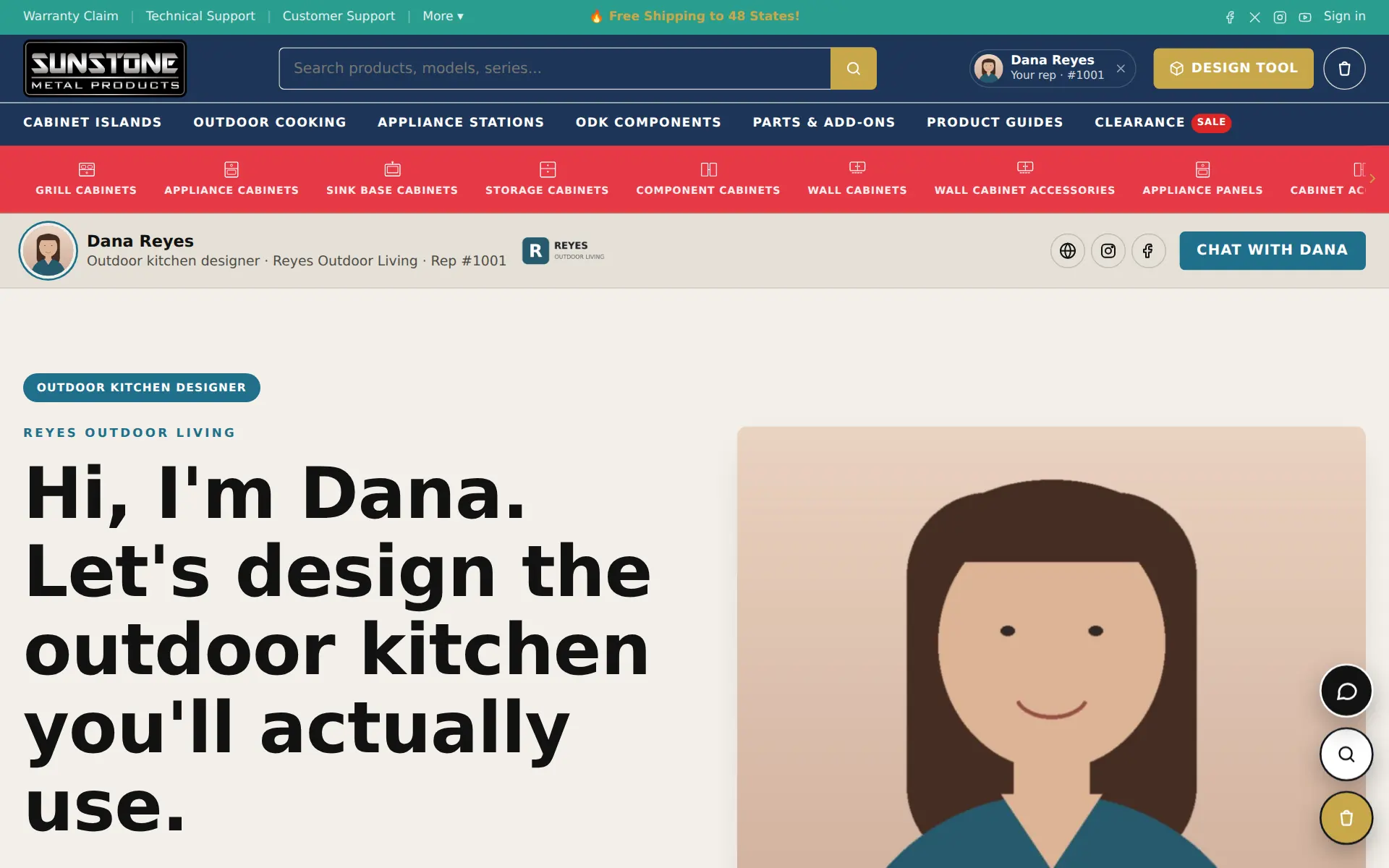
Recruit dealers and point buyers to them
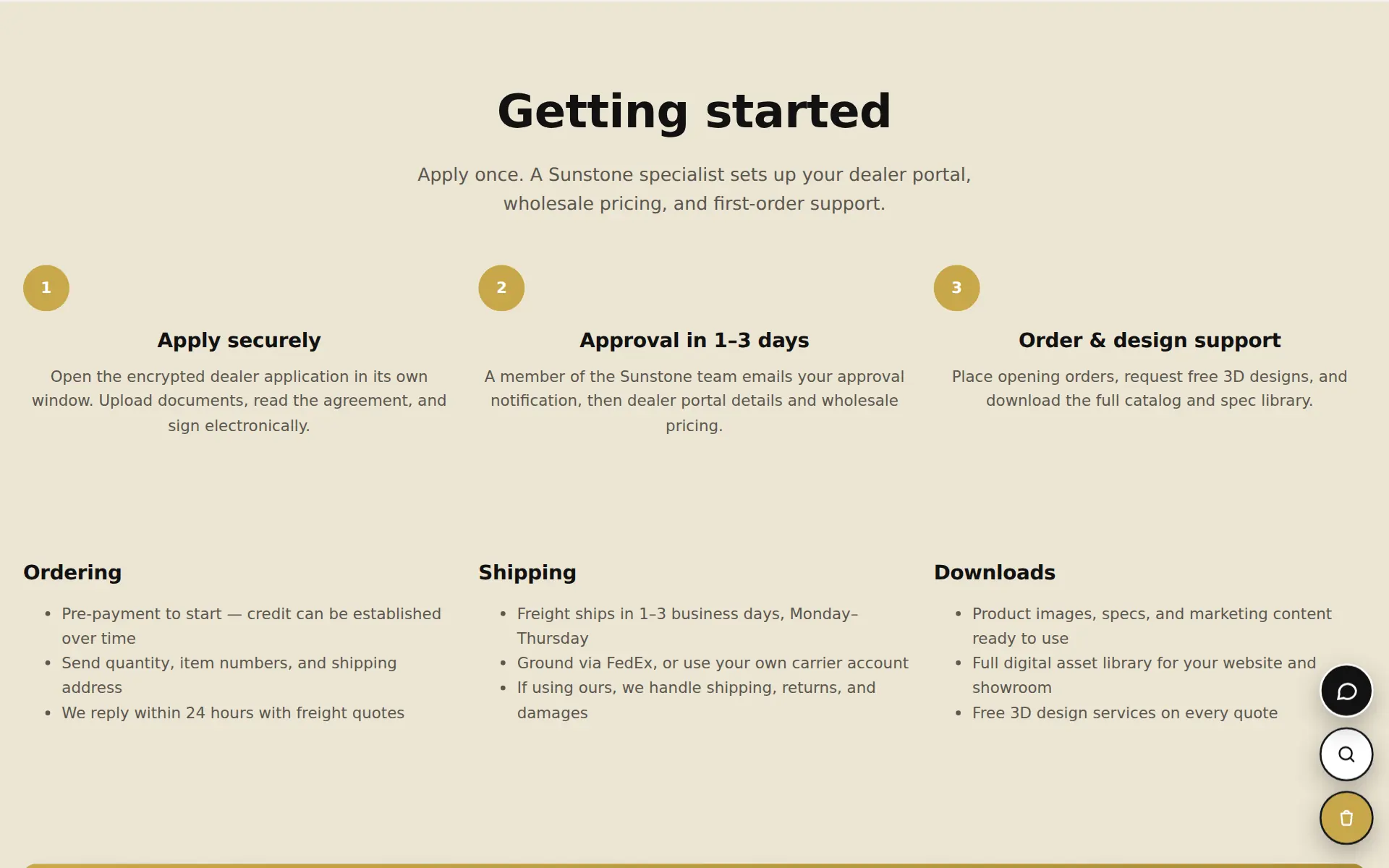
A dealer opportunity page with a secure application, plus a dealer locator with search by ZIP and radius. Approved dealers get their own portal and price levels in Hubbase.
- Application with documents and e-signature
- Locator with dealer types and distance
- Dealer price levels and quote-first ordering
Every rep gets a page — and a chat line
Affiliates and reps get their own landing page on the store. Shoppers can chat with the rep, and the rep follows the order through checkout and onto the invoice.
- Rep badge in the header while you shop
- Rep inbox with private notes
- Commissions tracked in Hubbase
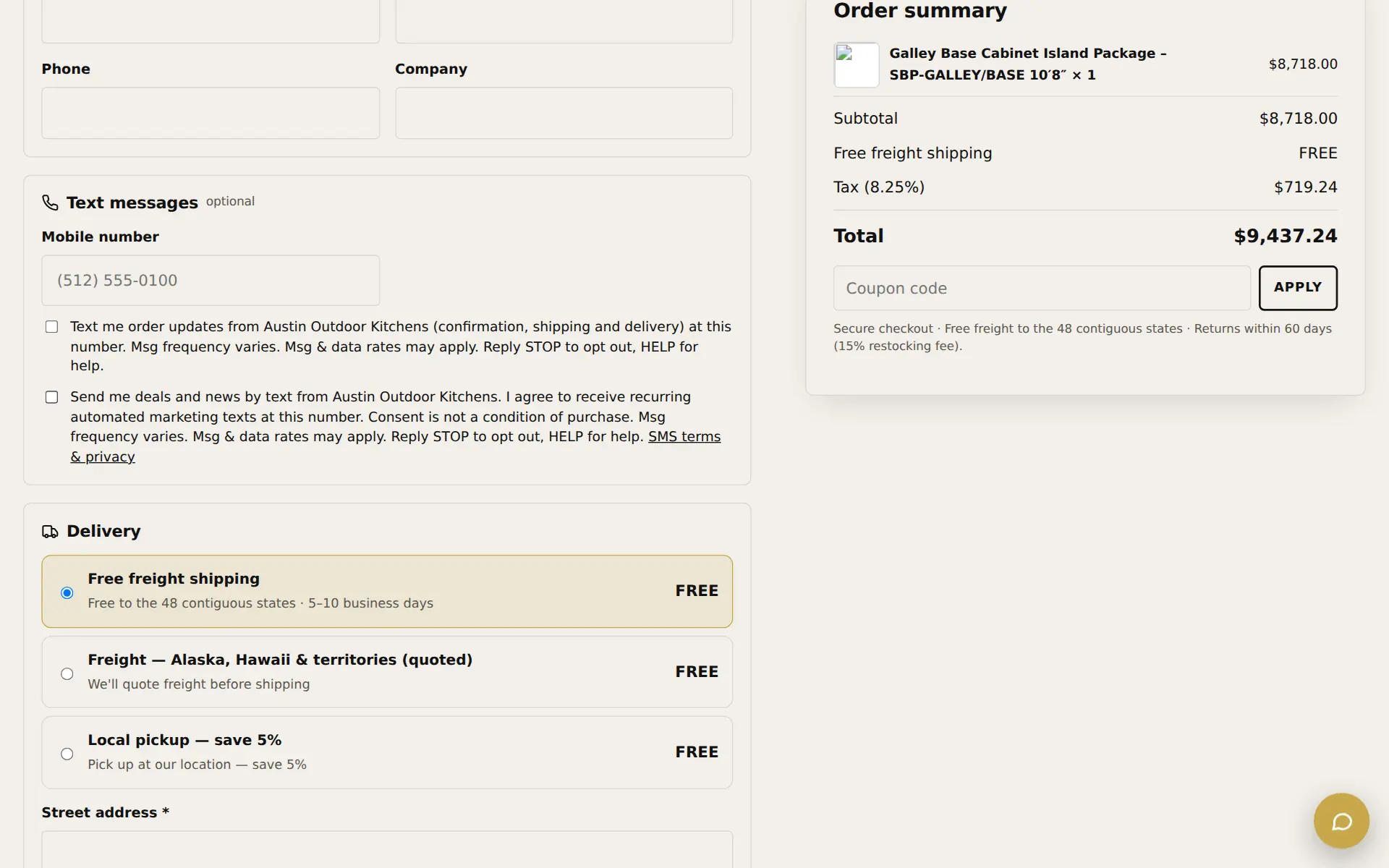
Order texts with consent built into checkout
Shoppers can opt in to order updates and, separately, to deals by text — with the right consent wording and a link to the SMS terms.
- Separate boxes for order updates and marketing
- STOP and HELP handled automatically
- Delivery choices and tax shown before payment
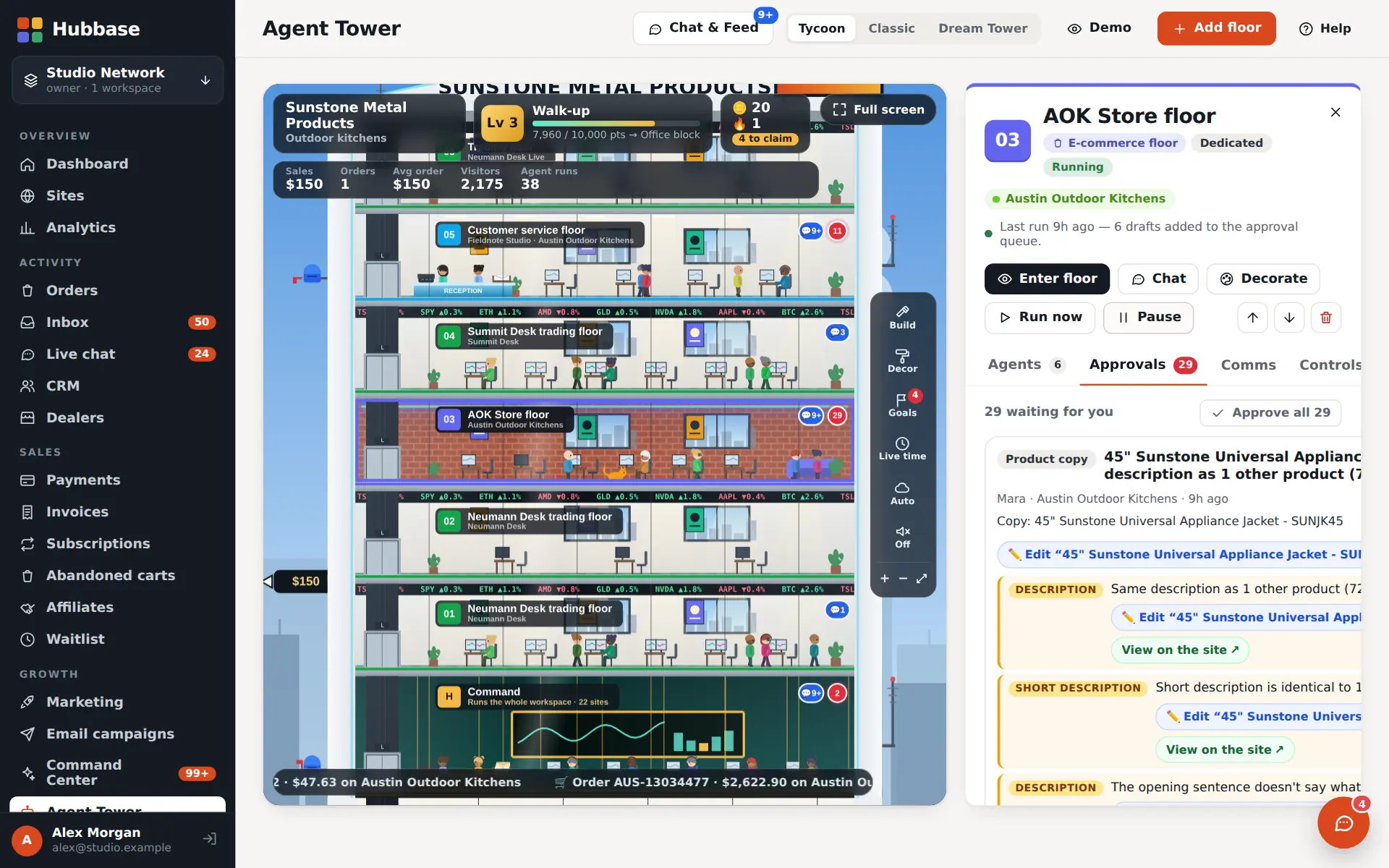
What the owner sees behind the site.
The same workspace runs the agents, the approvals, the support knowledge and the design. The chips show which plan layer each part belongs to.
A store floor of agents keeps the catalog tidy
The store's floor in the Agent Tower drafts product copy, SEO and fixes, and every draft waits in Approvals — with what it found, the field it changes and a link to the product.
- Each area is off, draft or auto
- Prices are only ever changed by a person
- Chat with the floor or one agent
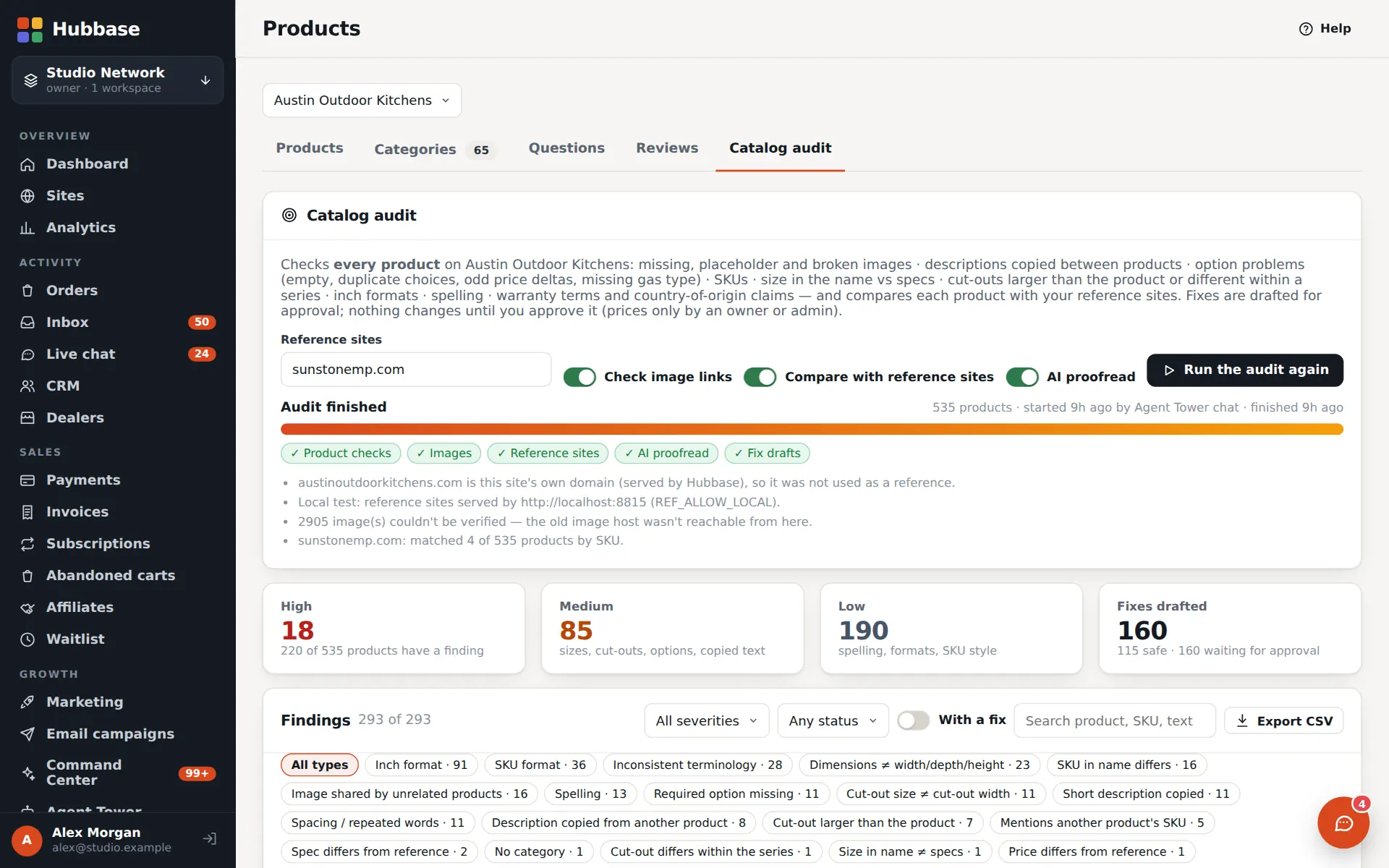
Every product checked, every fix drafted
The catalog audit checks every product for missing images, copied descriptions, option problems, SKU and size mismatches and spelling, compares them with the reference sites and drafts fixes for approval.
- Findings by severity, type and status
- Export to CSV
- Safe fixes can be approved in bulk
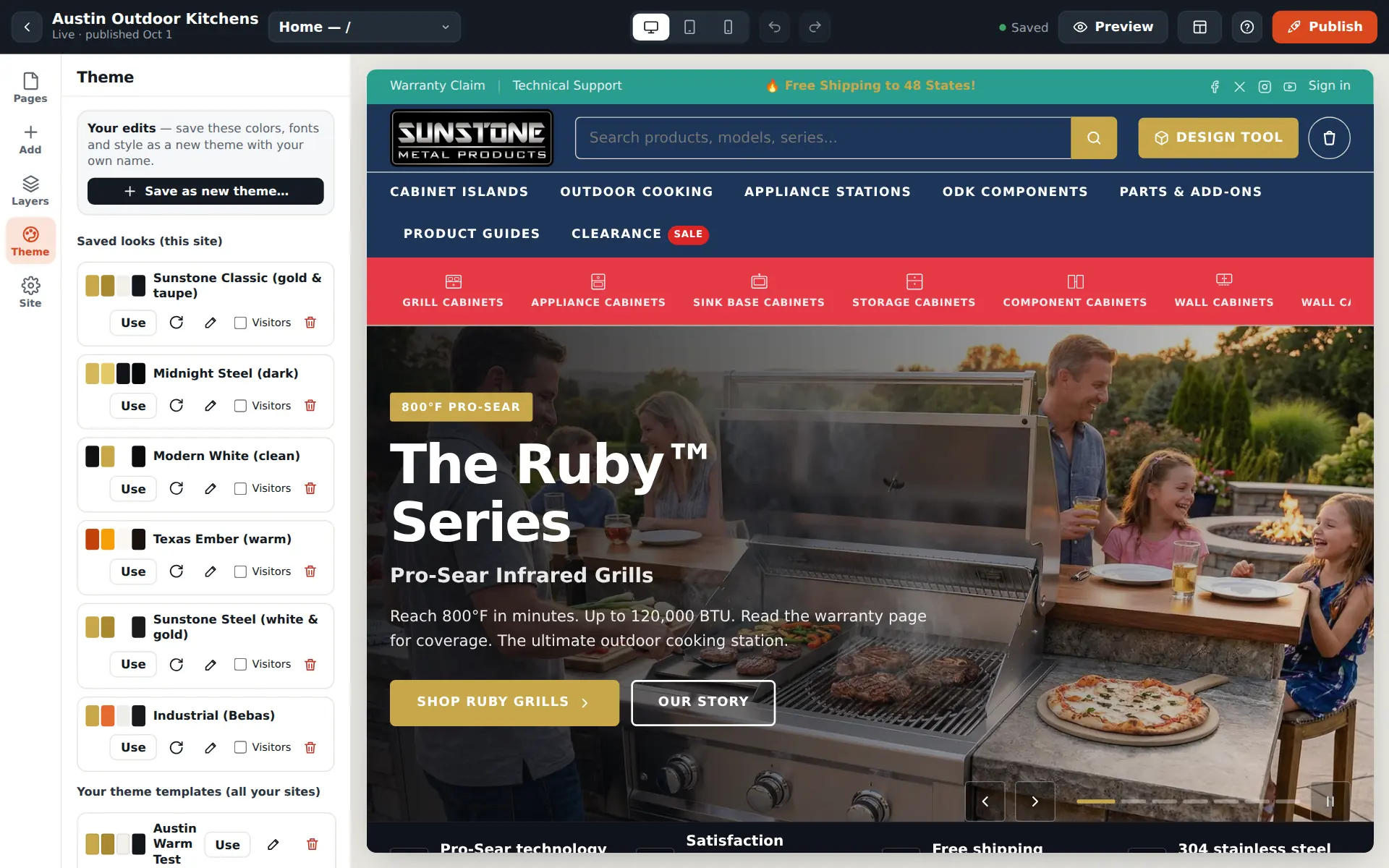
Change the colours yourself — in seconds
The Theme panel holds saved looks for the site: switch the whole store between them, or change a single colour or font and preview it before publishing.
- Saved looks per site and theme templates
- Live preview on desktop, tablet and phone
- Click any text on the page to edit it
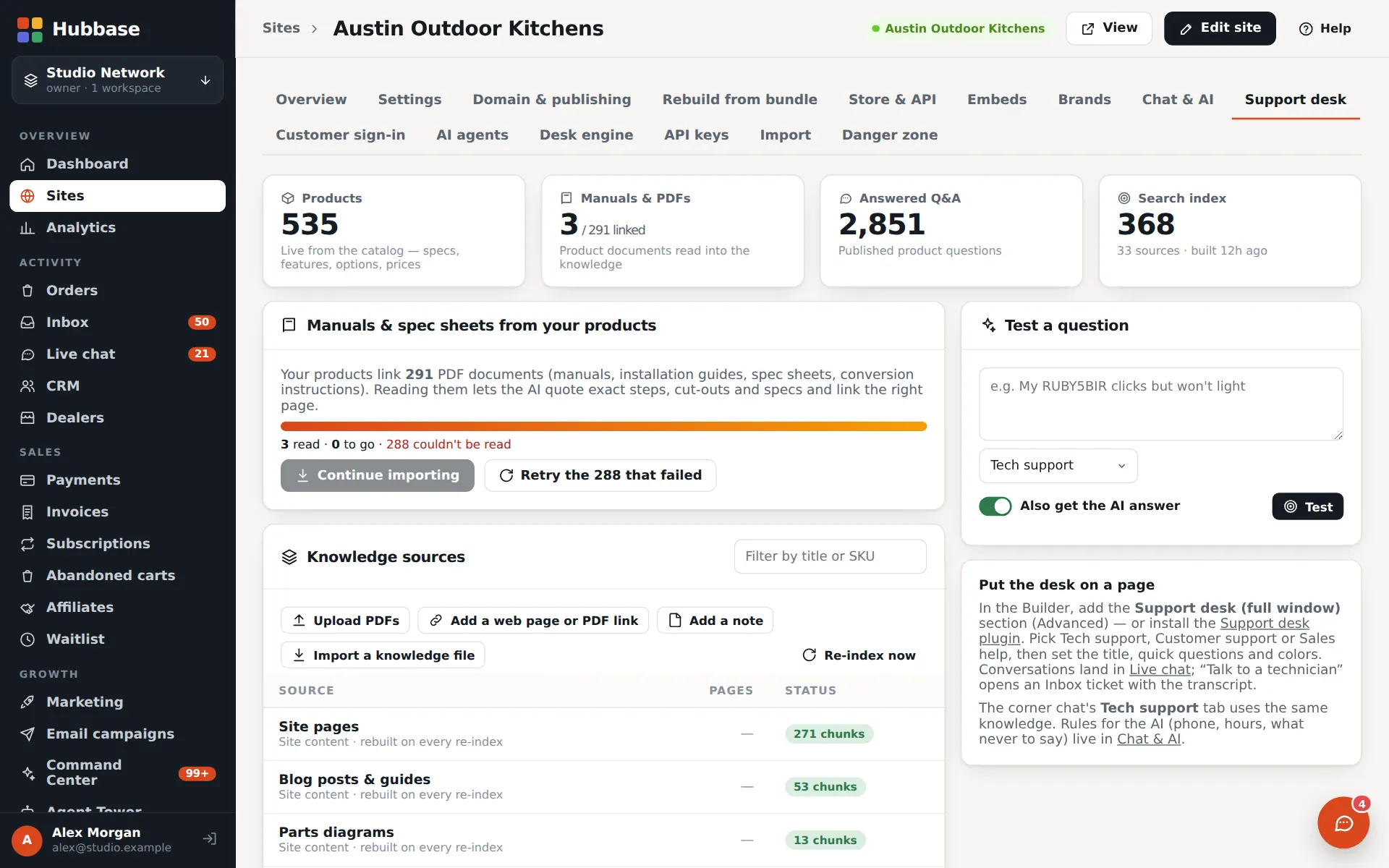
The knowledge behind the support desk
Manuals and spec sheets linked from the products are read into the support desk's index, alongside site pages, guides and answered questions — test a question before customers ask it.
- Upload PDFs or add a page by link
- Re-index any time
- Product prices and specs always come live from the catalog
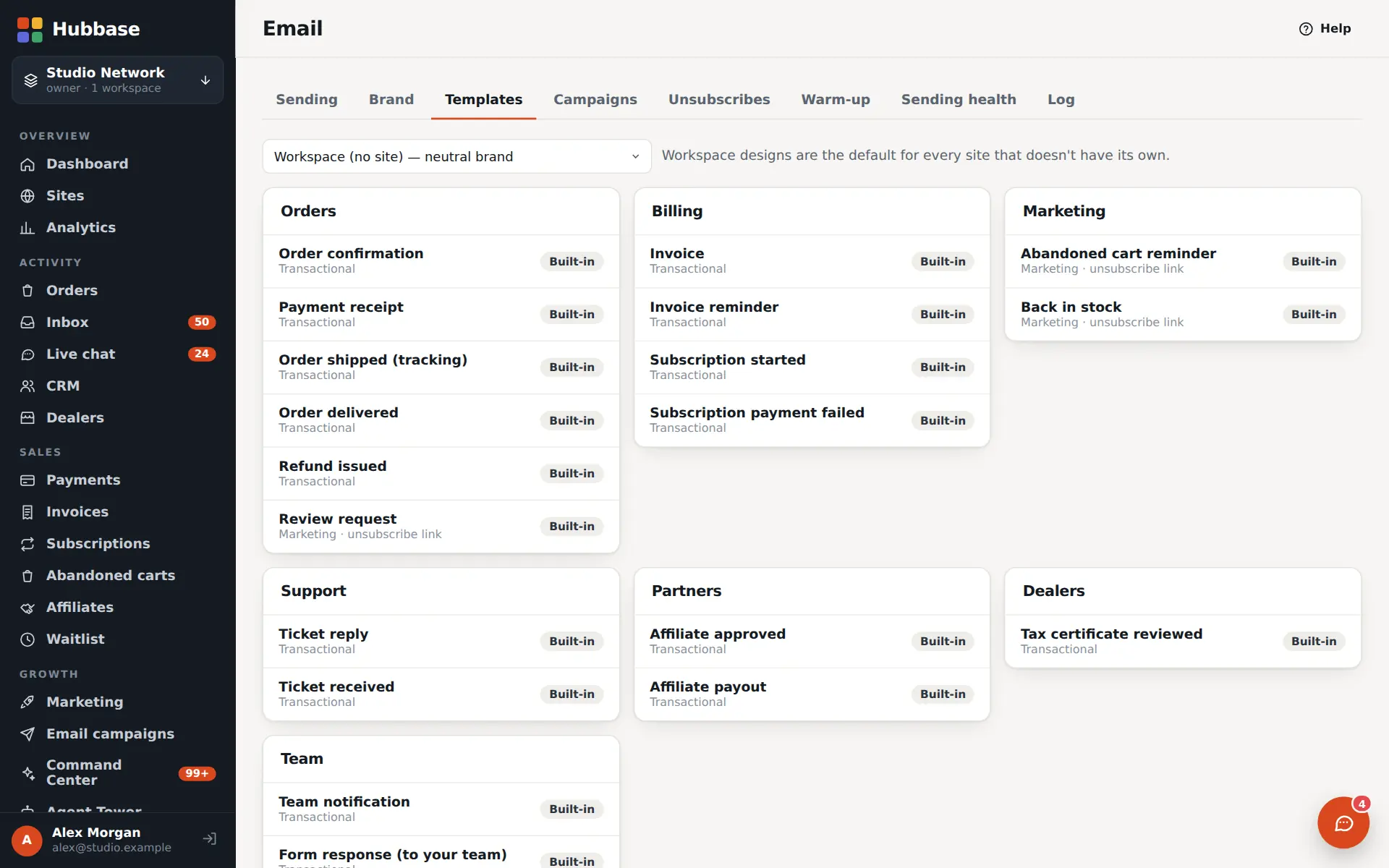
Every customer email in the brand
Order confirmations, shipping, invoices, tickets, dealer and affiliate emails all use the brand's logo, colours and footer — designed in the email builder.
- Built-in templates for every event
- Light and dark previews
- Campaigns on the next plan layer
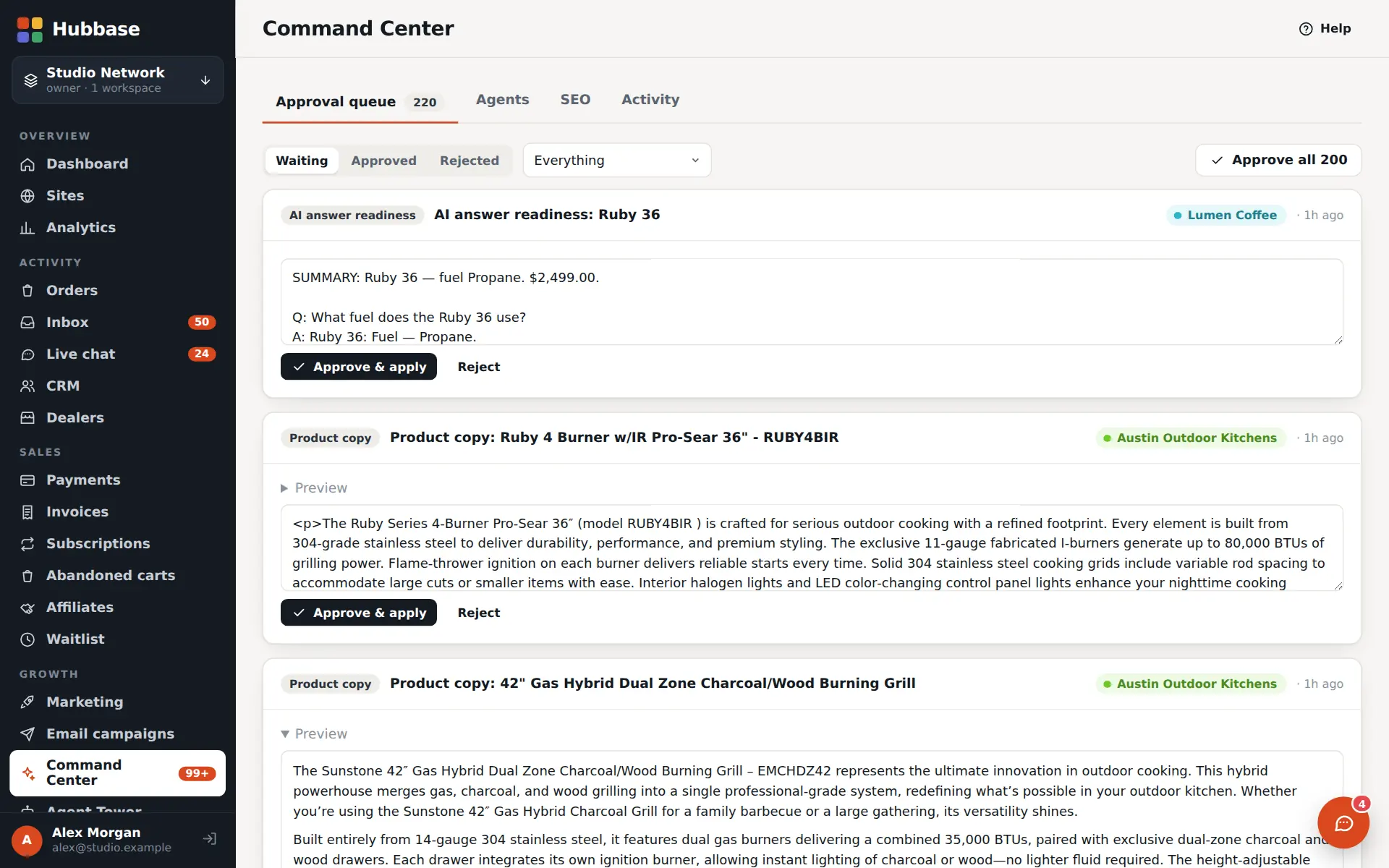
Nothing goes live without a yes
Drafts from agents — product copy, search answers, posts — wait in one approval queue with a preview of the change.
- Approve, apply or reject one by one or in bulk
- Every change logged
Built by AI agents. Edited by people.
Sunstone Metal Products was built by AI agents connected to Hubbase — and then changed by hand wherever a person could do it faster: colours, fonts, wording, layout. No prompt-and-wait for a font change.
Every change is another prompt.
- You describe the site; it generates one
- To change a colour or a font, you write another prompt — and wait
- Every round trip spends credits
- Fixes can loop: it changes something else, or almost fixes it
- Hard to see exactly what changed before it's live
Any AI builds it. You finish it by hand.
- Any AI agent builds it — Claude, ChatGPT, Grok or Gemini connect with a scoped key over MCP or the API
- Then you edit it yourself in the visual Builder: click text, pick colours and fonts, drag blocks
- Small changes cost nothing and take seconds
- No fix loops — you see the change as you make it
- Drafts, a publish button, undo and saved looks keep the live site safe
- Connect an AI agentGive Claude, ChatGPT, Grok or Gemini an agent key (MCP or REST).
- It builds the sitePages, products, articles and settings land as drafts.
- You finish by handColours, fonts, layout and words — edited visually.
- Publish when it's rightNothing changes on the live site until you say so.
About these screenshots. Screenshots were captured from a local test copy of the site running in Hubbase, with the site's own product photos. The rep page, cart and checkout use sample data. Sunstone Metal Products is the new name for the store at austinoutdoorkitchens.com.
Put a team of agents on every floor.
Tell us what you're building. Once you're approved, start a free trial with the trial plan's features on.